For the last decade, we have been trained to spot scams using a specific set of instincts. We looked for bad grammar, urgent demands for gift cards, and pixelated logos. If an email looked “weird,” we deleted it.
In 2026, those instincts are failing us.
The threat landscape has shifted. Hackers are no longer just “breaking in” with code; they are using Artificial Intelligence to “log in” with your credentials. They don’t need to be technically brilliant because AI tools have lowered the bar, making scams polished, personalized, and patient.
This isn’t cause for panic—it is a call for an update. Just as you update your phone’s software, you need to update your mental firewall. Here are the four main threats facing home users and small businesses this year, and the practical changes you can make to stop them.
1. The “Context” Trap (AI-Polished Phishing)
In the past, phishing emails were generic shotgun blasts sent to millions of people. Today, they are sniper shots. Attackers use AI to scrape public information from LinkedIn, Facebook, and Instagram to build a profile of you.
They know you just attended a conference in Sydney. They know your job title. They know you recently posted about buying a new puppy.
Using this data, AI writes an email that references these specific details. It won’t have typos. It won’t sound robotic. It will ask you to “confirm the shipping address for the pet insurance policy” you actually just bought.
How to Change Your Behavior:
- Stop looking for typos; start looking for context. Just because an email knows your name and recent activity doesn’t mean it is real.
- The “Out of Band” Rule: If an email asks for a click or a payment, never click the link in the email. Close it, open your browser, and type in the website address manually (or use the official app). If the notification is real, it will be there too.
2. The Voice Clone (Deepfake Vishing)
We used to trust our ears implicitly. If we heard a family member’s voice, we knew it was them. That trust is now a vulnerability.
“Vishing” (Voice Phishing) has evolved. Scammers can now take a 3-second audio clip from a TikTok or Instagram Story and clone a person’s voice with frightening accuracy. They use this to call parents or grandparents, posing as a child in distress (a car accident, an arrest) or a boss demanding an urgent transfer.
How to Change Your Behavior:
- Establish a Family “Safe Word.” Pick a random word (like “Purple” or “Macaroni”) that only your trusted circle knows.
- Verify, don’t React: If you receive a panicked call from a loved one, ask for the safe word. If they can’t give it, or the line “cuts out” when you ask, hang up and call their actual mobile number immediately.
3. The “Sleeper” Smart Home (IoT Risks)
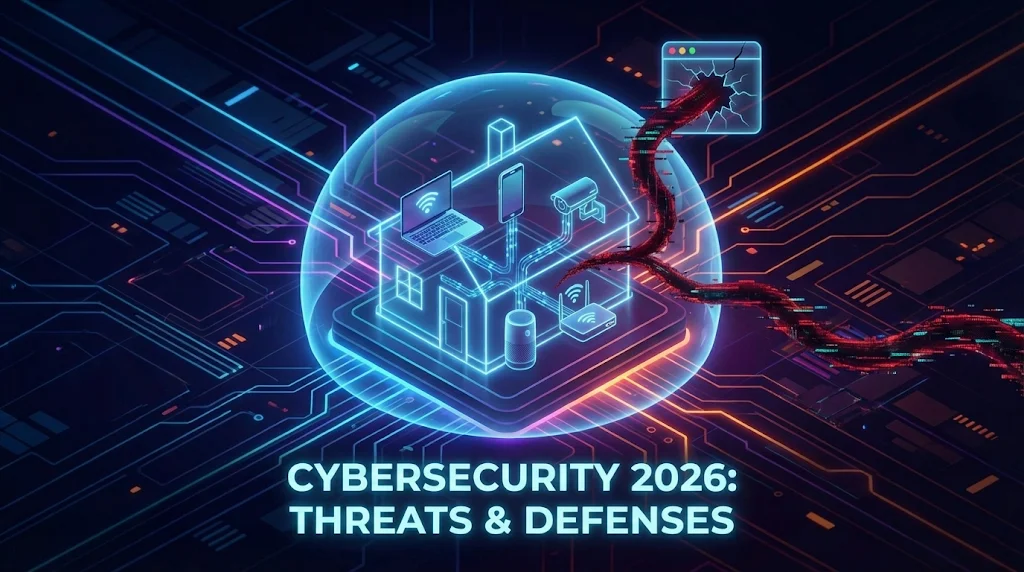
Your home is likely filled with “Internet of Things” (IoT) devices: smart bulbs, connected fridges, robot vacuums, and cheap security cameras.
Unlike your laptop, these devices rarely get security updates. To a hacker, these are “unlocked windows.” They can infect a smart lightbulb with malware and use it as a bridge to hop onto your home Wi-Fi network. From there, they sit quietly, watching the traffic from your PC or phone to capture banking details.
How to Change Your Behavior:
- The Guest Network Strategy: Almost all modern Wi-Fi routers allow you to create a “Guest Network.” This is a separate lane of traffic.
- Segregate your devices: Put your TVs, fridges, and lightbulbs on the Guest Network. Keep your computers and phones on the Main Network. If your fridge gets hacked, the attacker is trapped in the Guest lane and can’t touch your banking PC.
4. The Wolf in Sheep’s Clothing (Malicious Browser Extensions)
We love customizing our browsers. We install extensions to block ads, find coupons, convert PDFs, or force “Dark Mode” on websites.
But have you ever read the permissions these extensions ask for? Most require the ability to “Read and change all your data on the websites you visit.”
That is the key to the kingdom. In 2026, a common tactic is for criminals to buy a popular, legitimate extension from its original developer. They then push a silent update that turns the extension into spyware. It can now read your emails, capture passwords as you type them, and modify your banking page to redirect transfers—all while the extension still does its original job perfectly.
How to Change Your Behavior:
- Audit your browser: Open your extension list right now. If you don’t use it daily, uninstall it.
- Treat them like software: Only install extensions from major, trusted developers.
- Use a dedicated browser: Consider using one “clean” browser (with zero extensions installed) solely for banking and financial tasks.
The “Zero Trust” Mindset
The common thread in all these threats is that they exploit our trust—trust in a familiar voice, trust in a helpful email, or trust in a convenient browser tool.
Staying safe in 2026 doesn’t require you to be a computer genius. It just requires a “Zero Trust” mindset.
- Kill the Password: Switch to Passkeys wherever possible. They are phishing-resistant by design.
- Use a Password Manager: If you must use passwords, let a manager handle them so you aren’t reusing the same one everywhere.
- Pause: Urgency is the hacker’s best weapon. Slow down. Verify. Then act.
The tools may have changed, but you are still in control.