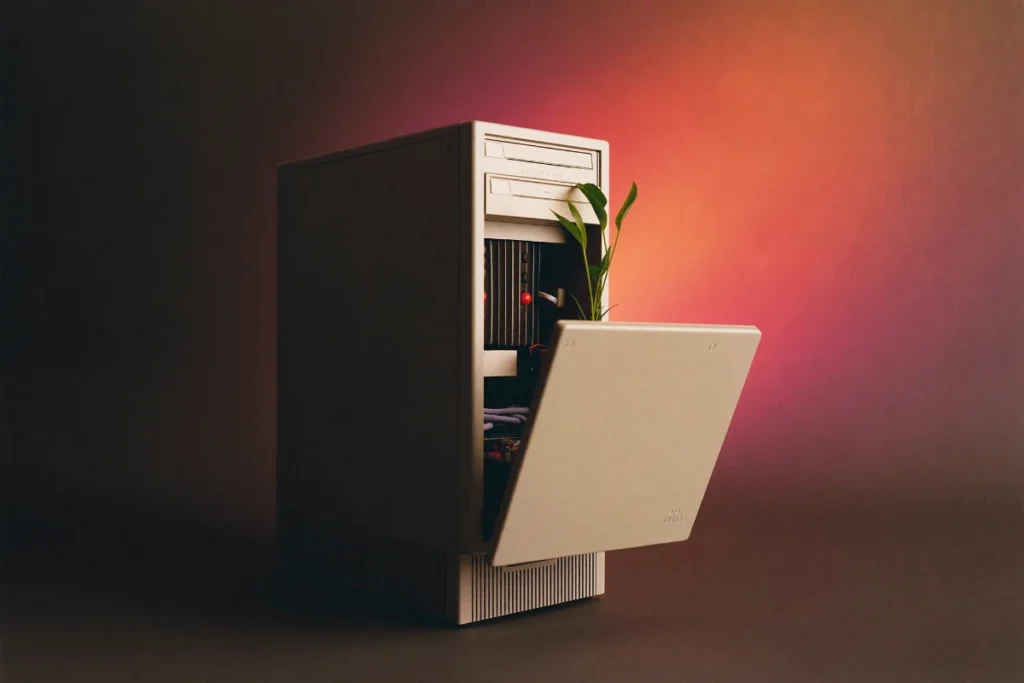
With Windows 10 machines being upgraded or replaced across the country right now, a lot of old PCs are about to end up in a cupboard, a garage, or worse, landfill. None of those are great options, for your data or for the planet. Here’s what to actually do with a computer once you’re done with it.
Step 1: Get Your Data Off (and Somewhere Safe)
Before anything else happens to the machine, make sure everything you need has been copied off it: photos, documents, saved passwords, anything. An external drive or a cloud backup service both work fine. Don’t skip this step, even if you think you’ve already got everything, it costs you nothing to double check.
Step 2: Wipe It Properly
Simply deleting your files isn’t enough, deleted data can often be recovered with basic software. Before a computer leaves your hands, whether it’s being donated, sold, or recycled, it should be properly wiped:
- On Windows, use Settings > System > Recovery > Reset this PC, and choose the option to remove everything and clean the drive
- If the drive is being physically removed and disposed of rather than reused, a full format or, for the genuinely cautious, physical destruction of the drive is the safest option
If you’re not confident doing this yourself, particularly for a business machine that may have held customer information, it’s worth having someone do it properly rather than risk your data resurfacing later.
Step 3: Decide Where It’s Going
Still working fine? Consider:
- Passing it on to a family member for basic tasks like email and browsing
- Donating it, many local charities and community groups accept working computers
- Selling it, older machines still have value for basic use, especially once wiped and with Windows freshly reinstalled
Not working, or too old to be useful? Recycle it properly rather than binning it. Computers contain materials that shouldn’t go to landfill, but also contain recoverable metals and components worth reclaiming.
Free E-Waste Recycling in Australia
Australia has a genuinely good option here: the National Television and Computer Recycling Scheme, run through TechCollect, offers free recycling for computers, computer parts, and TVs for households and small businesses. It’s funded by manufacturers and importers rather than costing you anything, and covers around 98% of the Australian population through local drop-off points, council services, and periodic collection events (details on the official scheme page). It’s worth a search for “TechCollect” plus your local area to find your nearest drop-off point.
Why This Is Worth the Extra Ten Minutes
E-waste is one of the fastest-growing waste categories globally, and old computers sitting unused in cupboards are neither helping you nor the environment. A properly wiped, sensibly rehomed or recycled PC is a small, easy win: it protects your data, it’s better for the planet, and it clears out space you’ll actually use.
Upgrading Soon?
If you’re in the middle of a computer upgrade and want a hand backing up your old machine, wiping it safely, or setting up the new one, that’s exactly the kind of thing we help with every week, and if you’re still deciding whether to upgrade at all, our piece on checking Windows 11 compatibility is a good place to start. Get in touch through the contact form on our homepage.